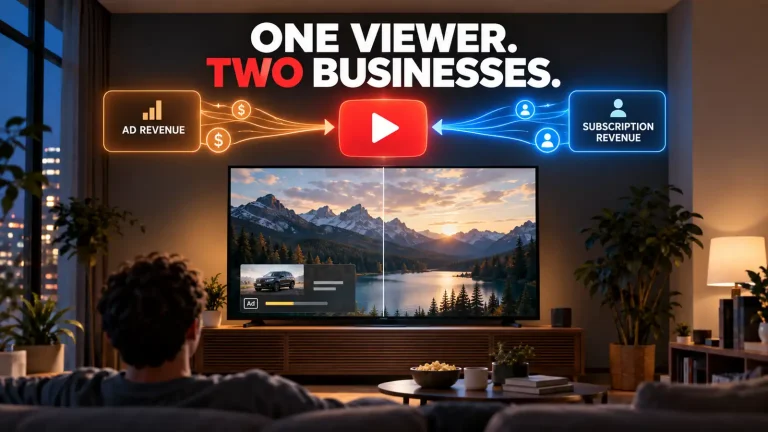

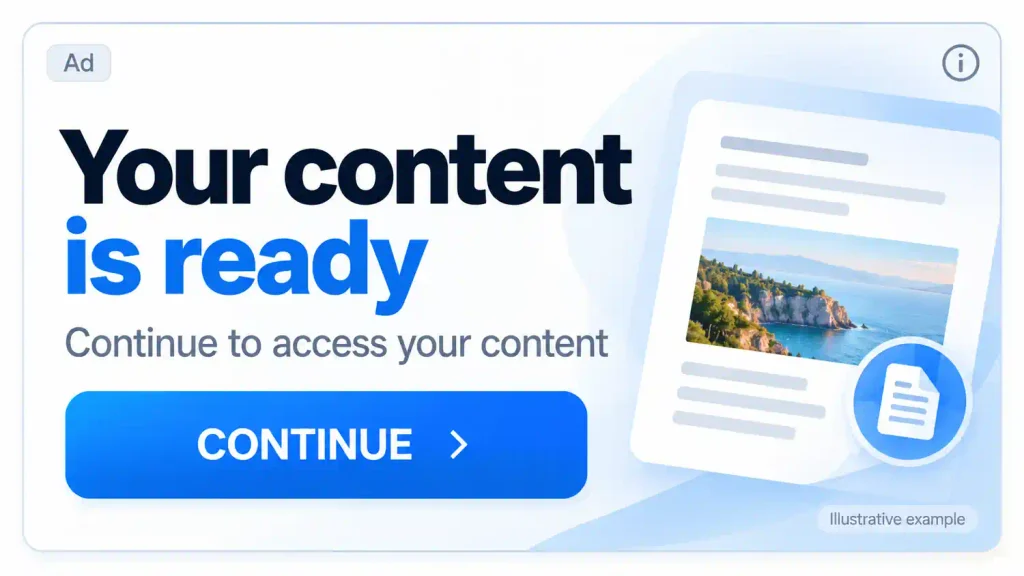
You’re reading a familiar news website when a banner tells you to “Verify,” “Continue” or “Access now.” It sits neatly inside the page, close to the content you came to read. If checking the ad’s information also takes you to a Google page, the whole thing can feel reassuringly official.
Yet there are several different sources of authority in that small space: the website publishing the article, the advertiser making the offer and the system delivering the ad. Trust in one can easily spill over into the others.
Google has real ad-review, advertiser-verification and enforcement processes. A display ad served through its advertising ecosystem still isn’t Google’s recommendation or an independent safety guarantee for everything behind the click. Understanding what those checks cover helps you see which questions about the offer remain unanswered.
Google does review ads
Google’s description of its ad-review process says review begins after an ad is created or edited. It covers the advertising content, including text, images and video, as well as the destination linked from the ad.
Google also describes using automated systems and human evaluation to assess compliance with its policies. That does not mean a person has manually inspected every ad you see. An ad that passes the relevant review can become eligible to run.
Those rules address substantive problems, including misleading advertising and dishonest pricing. The distinction is between assessing compliance with advertising policies and independently guaranteeing the product, the purchase terms or the buyer’s later experience.
The scale of enforcement is substantial by Google’s own account. In its 2025 Ads Safety Report, the company says it blocked or removed more than 8.3 billion ads across its advertising systems. That is a company-reported enforcement total, rather than a measure of how safe any particular displayed offer is.
When an ad looks like a request from the website
A Which? investigation published in August 2026 gives a concrete example of how the surrounding website can lend authority to an advertiser’s message.
According to Which?, a BBC.com visitor named Robin encountered a banner saying “Verify and Continue” and mistook it for a BBC request to verify his account. An Apple Pay screen appeared to request €0.00. He subsequently discovered a subscription costing €29.90 a month.
Which? reported that the destination site was linked to an advertiser using Google Ads. The BBC told Which? that it would no longer show the ad because it did not comply with its guidelines.
The published image includes an “ADVERTISEMENT” label, so this was not an entirely unlabeled banner. The reported confusion was about whose instruction it was: a request from the BBC, or a sales message placed beside BBC content.
That distinction matters before any discussion of payment details. A button can look like the next step in using a website while actually taking you into an advertiser’s separate offer. The familiar page around it does not make that offer part of the publisher’s service.
A verified advertiser is not a certified offer
Advertiser verification adds useful information. Google’s process can involve checking identity and business details, with requirements varying by account and circumstances. It should not be reduced to a simple ID upload, or treated as an identical completed check behind every ad.
But verification has a defined limit. In its advertiser-verification documentation, Google tells advertisers that reviewing and verifying supplied information “doesn’t guarantee or assume responsibility for your content or activity.”
For a consumer, an advertiser’s name and location can help answer who is behind an offer. They do not independently establish product quality, validate every marketing claim or tell you whether a payment starts a recurring subscription. Those questions require looking at the actual offer and its terms.
The same distinction applies to the small controls around an ad. AdChoices is an industry label, and Google documents its use for ad information and controls. The icon itself is not a Google safety seal for the product being advertised.
You can ask Google to review a problem
If an ad appears misleading or otherwise problematic, reporting it gives Google information to assess. You do not have to establish that a crime occurred before raising a concern.
For ads on partner websites, Google’s documented reporting route runs through the ad’s controls:
- Open AdChoices or the ad-information control, then Why this ad? where offered.
- Select the relevant ad if several are listed, then choose Report ad.
- Pick a reason, provide the requested details and submit the report.
The available controls can vary by website and device. If they are unavailable, Google’s alternative reporting guidance points to other routes, including reporting options through the Ads Transparency Center.
Reporting and blocking serve different purposes. A report requests a policy assessment; blocking or muting, where available, manages what you see. Hiding an ad is not a ruling that it broke the rules, and submitting a report does not itself block it. Enforcement is the action Google decides to take after assessing a violation.
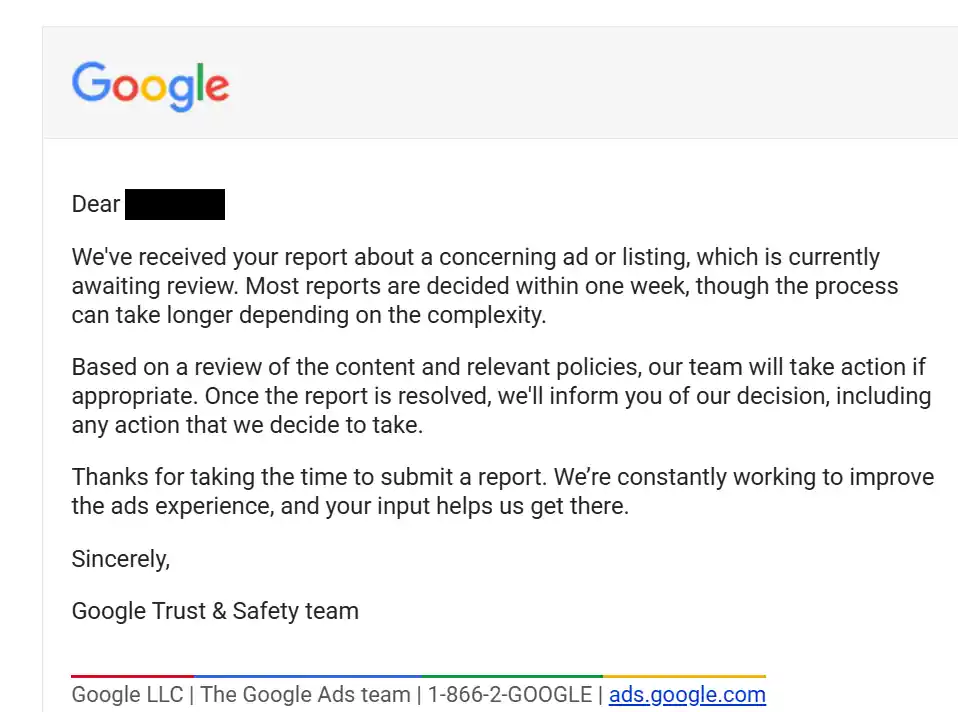
AdsUncovered has received Google Trust & Safety messages illustrating two separate parts of that process. In one acknowledgement, Google confirmed receipt of a report and said it was “currently awaiting review.” That establishes receipt, not a finding against the ad.
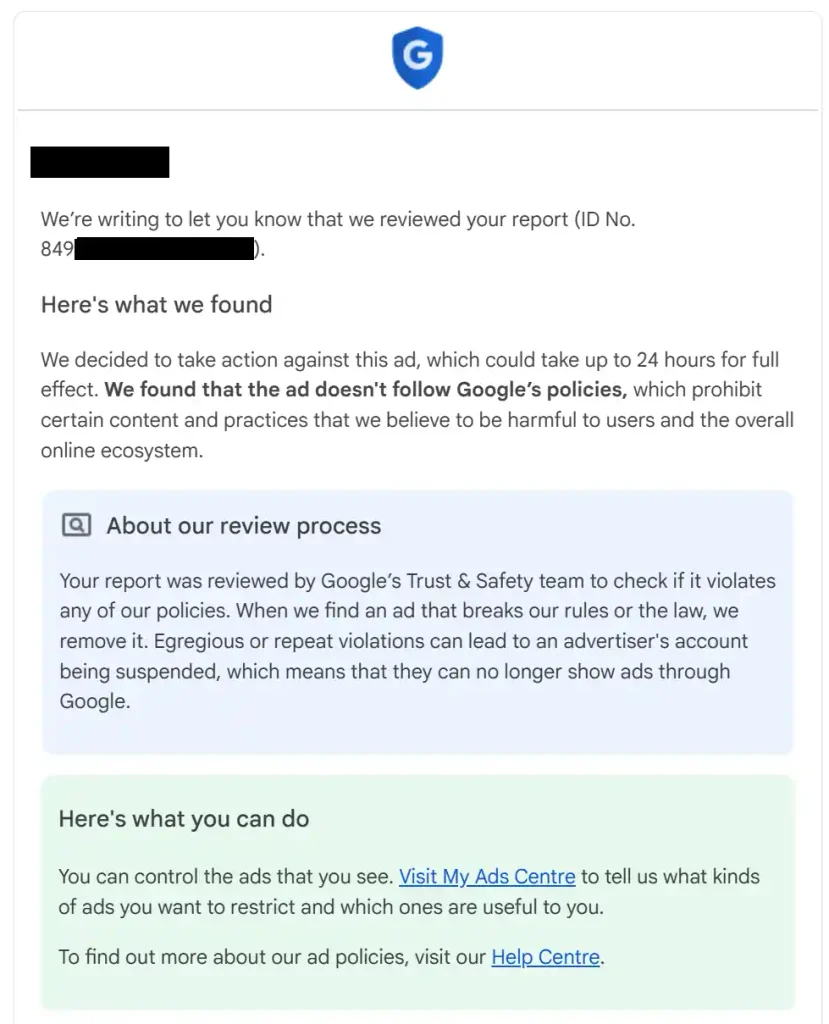
In a separate response, Google said it had found that a reported ad did not follow its policies and had decided to take action. The message said the action could take up to 24 hours to have full effect. It announced a decision; it did not confirm that removal had already been completed or that the advertiser’s account had been suspended.
These are separate illustrations, not a documented sequence for one ad.
Review can continue after an ad starts running
Google explicitly allows for additional policy reviews after approval. Its enforcement documentation also describes considering information such as reports, consumer reviews and regulatory warnings.
The possible outcomes differ. An individual ad can be disapproved; serious or repeated violations can lead to account-level action, including suspension. One outcome should not be assumed from another.
This continuing process explains why initial approval cannot serve as a permanent certificate for an offer. Later action can reflect information or signals considered in a further review. It does not, by itself, establish that no earlier review happened or that Google knowingly approved a harmful offer.
Google can still have legal duties
A specific Dutch court case shows why the distinction also needs care in the other direction.
In a March 26, 2024 civil appellate judgment, the Amsterdam Court of Appeal found Google Ireland Limited and Google LLC liable to Jort Kelder over nine ads using his name and image that had appeared through the Google Display Network in 2020. After specific earlier notifications, the court found that Google should have adapted its controls for identical or very similar ads, or stopped them pending further checks.
The finding concerned those ads and those circumstances. It did not create universal liability for every problematic ad. Its relevance here is narrower: saying that Google’s delivery of an ad is not a consumer safety guarantee does not mean Google can never have legal duties after receiving specific notice of harmful advertising.
Before you trust the offer
The useful pause comes before a banner turns into a payment or a request for personal information:
- Check whose instruction you are following. A “Verify” or “Continue” button may belong to an advertiser rather than the website you are reading.
- Open the advertiser information when available. Use it to understand who is making the offer, rather than treating verification as a recommendation.
- Look at the destination domain. A familiar publisher’s page does not make the linked website part of that publisher’s service. There is no need to follow an unwanted offer just to investigate it.
- Understand the commitment before entering a phone number or payment details. Check what you are buying, the initial price, any recurring charge, the billing interval and the cancellation terms. A zero-dollar opening screen does not answer all of those questions.
- Report a possible policy problem. Describe what seems misleading or unclear using the available reporting controls.
These checks can help you assess an offer; advertisers and platforms still have their own responsibilities.
A Google-served display ad tells you something about the advertising system through which it reached you. The offer still needs to stand on its own terms. Treat it as an ad, not as Google’s recommendation.